How to cool an overheating laptop

How to cool an overheating laptop

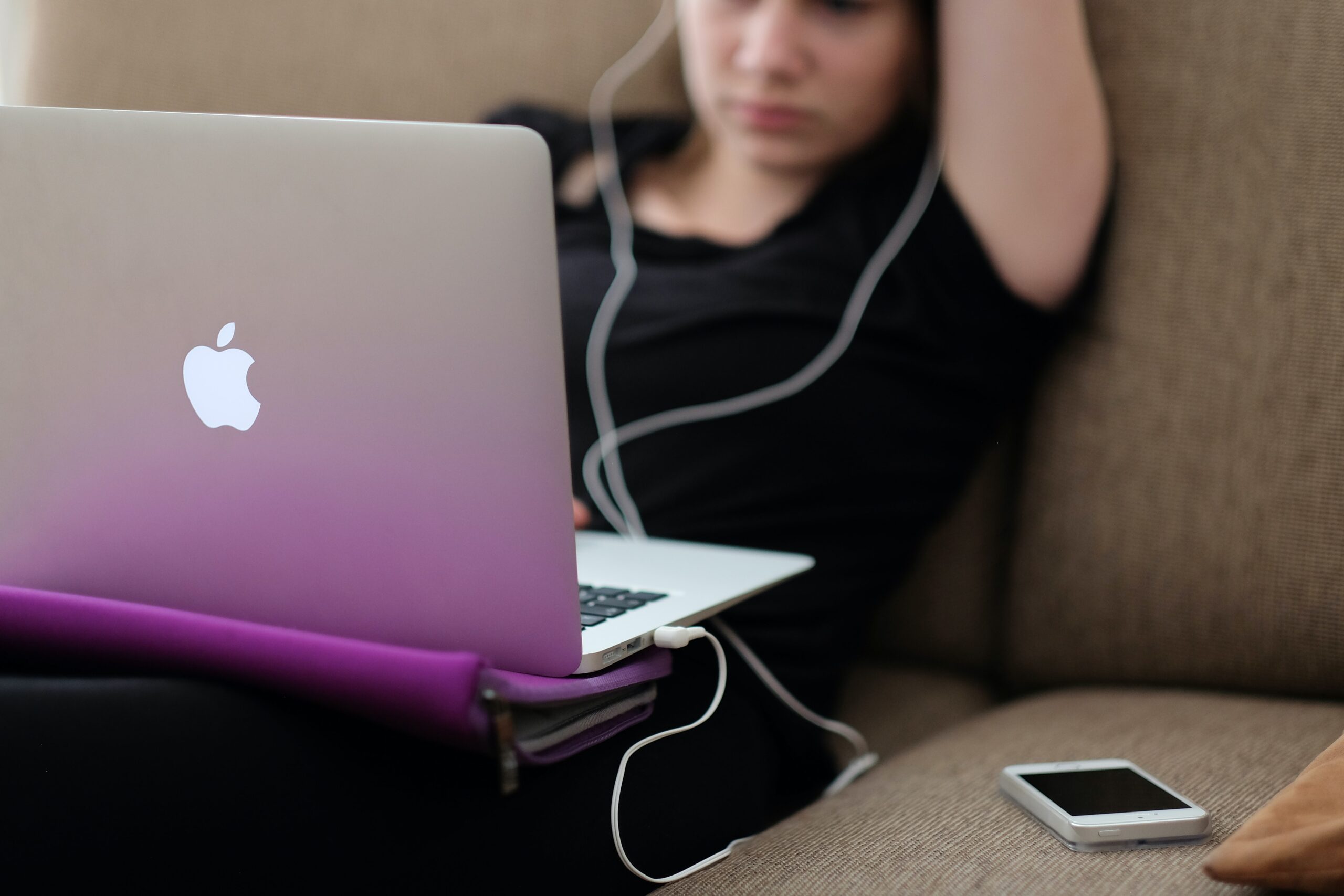
Laptops by their nature can generate a lot of heat. This is especially true when in use for long periods of time on your lap or an environment that's not cooled to optimise performance. But when your device starts to overheat, it can impact the performance of your machine. In this blog post, we outline the causes, and offer a few solutions of how to cool an overheating laptop.


What happens when the temperature gets too high?

A certain level of heat is to be expected and is normal for your hardworking device. Being a laptop, there is less space for the components compared to a PC and heat can build up quickly. However, when heat intensifies it can result in a slowing down of functionality which can lead to data loss. Longer term this can severely impact your machine.

Your laptop suffers a lot, you move it from a desk to your bag, onto a train or plane and then back again. This means dirt, dust and bacteria makes its way into the cooling device which is exposed on the base. This dirt builds up and can eventually affect the performance of the cooling fan.


How to prevent an overheating laptop

The temperature of your machine should not exceed 35 degrees celsius. To keep it within the guidelines we advise the following:

• Keep the vents free
• Make sure your laptop is on a flat surface so that air can circulate
• Remove any objects such as dust or hair from the vents
• Operate your machine in a cooler room
• Use a laptop stand which will allow heat to move round your machine
• Put a cooling mat underneath your laptop

To clear the vents, we recommend you use a compressed air spray. This should dislodge any dust or build of dirt and create a clear path for the air to move round.


What causes an overheating laptop?

Running lots of applications at the same time or streaming video games or films can contribute to the problem. They affect the temperature levels of your laptop. Over time your battery will deteriorate as will the thermal paste which cools your device. Monitor the number of applications you have open at once and close any that are resource intensive.

The CPU Turbo boost maintains the efficiency of the processing core of your machine – but only when it is operating within normal temperature levels. If your device is overheating, disable this function. Disabling the function may see a slight slowing in processing but it should also see a reduction in the temperature of your machine.

If following the tips above hasn’t solved the problem, and you still need to know how to cool an overheating laptop, then contact us. One of our technicians will be happy to review your laptop, make an appointment for the repair and provide you with a quote.

Macbook - where are my missing files

Macbook – where have my files gone?

At Gadget Rehab, we carry out many repairs to Macbook and Macbook Pro machines. We often see the same problems affecting many of our customers. For this blog, we review the problem of the disappearing act – where have my files gone?


Back it up

We always recommend the regular backing up of files on your device. Whether this is with Timemachine or via cloud storage or an external hard drive, this is good practice and allows you to reset your device to a previous version should you encounter any issues following an update. Updates to the machine can often be the trigger for your files to vanish from your machine so it is always advisable to have a back up prior to carrying this out.


Check your settings

As there are lots of useful features within Macbook and to be helpful many sort and arrange your files. This assistance may not be needed, and it is a good idea to check the settings on Terminal and Stack as they may have moved your files to declutter your desktop and other folders.


Trash folder

If your files are no longer visible, carry out the basic checks first such as looking in your trash folder. Items will be stored for 30 days on the standard setting which should buy you some time. If this doesn’t locate them, we would suggest carry out a search.


Conduct a search

To carry out a search, hold the command and space to open the spotlight functionality. Once opened, type the name of the file you are looking for and search. This should bring up a list of files which you can inspect further by holding down the command key and clicking on the file directory. This will take you directly to the file’s location. If the file you are looking for doesn’t appear in the list, then a broader search is necessary.

Conducting a broader search also known as a text search is by typing relevant or subject content into spotlight. This can be part of a sentence or a phrase you know is within the content of the document. If found, this will also appear within a list which can be investigated further by following the filepath.

If you are still struggling to find your files, another option is to purchase data recovery software. This of course has a cost associated with it and if you are not confident in applying the software can leave you confused. We would recommend that before you do this, call into one of our two sites, and book an appointment with one of our engineers. We offer competitive rates and an efficient service. Contact us to find out more.

Happy Christmas from Gadget Rehab

Christmas Opening times at Gadget Rehab

Hopefully your preparations for Christmas are well underway and you are getting ready for some festive fun. Our team is – and after another challenging year we hope you can celebrate in style.

At Gadget Rehab, we have enjoyed several new achievements this year. We launched our training programme which was something we had wanted to do but was delayed due to the pandemic. The successful course also led to us expanding our team further by appointing one of the students.

Another highlight for us was the launch of our sister company GR Phones Ltd. This e-commerce platform sells the highest quality reconditioned phones and tablets. All tech undergoes our strict quality and testing procedures, so you know you are receiving the highest value handset or device. It’s also a great place to grab a last-minute gift for someone!

We know tech forms an important part of your holiday celebrations not only for entertainment but for keeping in touch with family and friends. New mobile phones, tablets, laptops and PCs are often bought for as presents for Christmas. With a wealth of winter and festive games, online films and shows to take advantage of, your tech gadgets need to be up to scratch.

Christmas Opening Times

To support you during the break we are open as usual in the run up to Christmas closing at 3pm on Christmas Eve, 24th December 2021. We will then be closed on the following days:

• Saturday 25th December 2021
• Sunday 26th December 2021
• Monday 27th December 2021
• Tuesday 28th December 2021

You can also email us or message us via Facebook during these times and we will respond when we are open again. It is important to us that we can support you as much as possible even when we are closed.

If you have a phone or tech gadget in need of repair before Christmas, then get in touch – our pre-Christmas break appointments are filling up! We can also give advice over the phone or using a direct message on social media.

So, all that is left for us to do now is wish you a very Happy Christmas and we look forward to seeing you when we re-open on Wednesday 29th December.

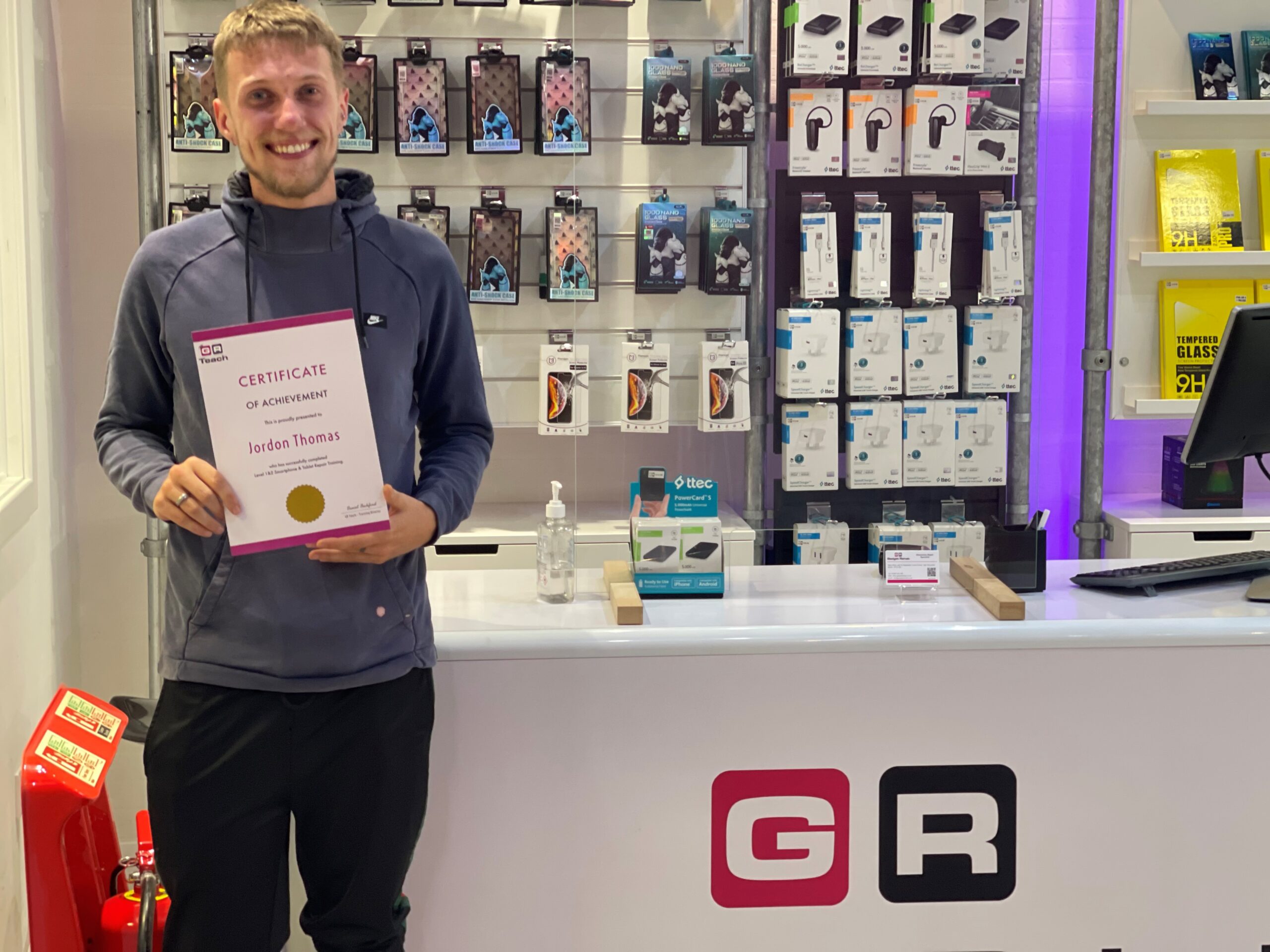
Jordan Thomas achieving his ambitions with Gadget Rehab

It was perfect timing when Gadget Rehab partnered with Red Kite Better Futures Youth Forum to support a local man achieve his ambitions of working in tech repair.

Jordan Thomas, a tenant of Red Kite Housing, was keen to pursue a career in tech repair but needed training and support to makes this a reality.
As a local employer, Gadget Rehab focuses on creating employment opportunities for those in the Wycombe area and is passionate about improving the skills of employees. Combining both of these elements, the business now offers training courses for those interested in smartphone and tablet repair as a career.

Daniel Beckford who owns and manages Gadget Rehab explains “I had been thinking about delivering training for a while so when I was approached by Red Kite to offer training placements to their youth forum, I knew it was the right time.”

The partnership between Red Kite and Gadget Rehab enabled Jordan to achieve Level 1 and 2 in Smartphone and Tablet Repair. Following the successful completion of the course, Gadget Rehab offered Jordan a role with their sister company GR Phones Ltd.

Nahida Latif, Red Kite’s Community Investment Specialist worked with Daniel Beckford, in placing Jordan with the business. Nahida said,

“I have loved working with Jordan and helping him to find a job that he is passionate about. He has done so well and with our help and the support of Gadget Rehab he is well on the way to a successful career. It’s been such a pleasure to help Jordan. It just goes to show how a small amount of support in the right area really can make a huge difference to someone and their future.”

The housing association manages the Red Kite Community Housing’s Starting Blocks Fund which provides financial support and networking to those looking to reach their potential. With assistance from Nahida, Jordan was able to access this funding to enable him to attend the course. Speaking about the opportunity, Jordan explains:

“The Red Kite Youth Forum is absolutely amazing. The opportunity it has given me has been life changing, it has really boosted my confidence and shown me there are people who care.”

"When I was approached about having a course funded to help me, I couldn’t believe it. Red Kite genuinely has openings, wants to listen and I think it’s just amazing. I’ve learnt so much, I now feel like I can take anything on.”

On Jordan’s progress, Daniel Beckford continued, “I’m over the moon with what Jordan has achieved and so happy to have him as part of our team. I’ve really enjoyed being part of the programme and it has been great to see Jordan gain confidence. This course has made a huge difference to him and it’s great to see him with a smile on his face.”

If you are interested in joining the Gadget Rehab training programme, please contact us.

Is your laptop running slowly

Is your Laptop running slowly?

If your laptop or computer is running slowly it doesn’t take long before you lose your patience in dealing with the issue. You assume there is nothing you can do and start looking for a new machine.

However, help is at hand, at Gadget Rehab we can review your machine and offer you practical solutions. If you would like to try to solve the issue yourself first, then follow the steps below which we have put into three categories:

System

The first thing is to shut down your machine and restart it. If you always have your machine in sleep mode, it may be missing vital updates which can slow your machine. This could be the time, switch it off, switch it on again, may just work.

Next, check which programs open on start up. If you have too many set to automatically load on start up, they will add to the time it takes for your machine to be fully operational. You can check this in task manager or the program settings.

Make sure you have anti-virus software installed and run it to check for any viruses that may have found their way onto your machine.

This is also a good time to check all your drivers are up to date. To check, search for the latest versions online and make sure they are installed.

Hardware

If the hard drive on your computer is close to being at maximum capacity this will significantly slow the speed of your machine. Your machine always needs capacity to store and manage temporary files to ensure the smooth running of your programs and the efficient running of your machine. Aim to always have 20% capacity on your hard drive.

To free up space quickly:

  • Empty the recycle bin
  • Delete temporary files and unnecessary files
  • Move large documents to external storage devices such as an external hard drive, USB or to the cloud

Some programs take up a large amount of space on your machine. Programs which are industry specific such as finance or design software can install add-ons which you are not using. Disable the features you do not use.

Software

If you have several tabs open at the same time or a lot of programs running, they are all competing for your machine’s resources. This can put too much pressure on the processing power and cause your computer to slow. To fix this:

  • Close the program completely when you have finished using it
  • Close tabs not in use
  • Bookmark tabs so you can refer to them at another time
  • Check installed programs are not running in the background or have encountered a problem

It is important to keep your software up to date, however, you should only install necessary software updates and disable those that update automatically.

If you are still experiencing issues with your laptop or computer running slowly then it is advisable to make an appointment with us at Gadget Rehab. One of our engineers will be able to look at your machine and find the root cause of the issue. Call us today on 01494534008.

If you are a keen PC Gamer it is important that your PC is cleaned at least once per year - some may even recommend much shorter intervals depending on the gamers usage and playing environment.

Thermal Paste Application on Graphics Card

PC's that are used for gaming generally are used more than the average PC and can build up substantial amounts of dust and dirt more quickly. This can lead to performance issues as the dust is often built up within the fan and heat sink which can cause the CPU and other vital components not to be kept as cool as they should be for optimal performance.

Moreover the thermal paste that is applied to keep the CPU cool can often become brittle in texture rather than smooth and soft. This may mean that the CPU is overheating which can result in system failures.

How often thermal paste should be reapplied is hard to confirm as it will depend on the quality of the thermal paste used initially by the manufacture or the last place that serviced the machine however if you are system cleaning every 6 - 12 months then this should be changed during this service.

Graphics Card Cleaning

If you feel your system needs cleaning please get in touch with us and we will arrange a booking with you. Tel: 01494534008

Has your laptop stopped charging or has your DC In Charge Port been damaged or become faulty.

Don't panic your laptop may not have succumbed an instant death and Gadget Rehab may be able to recover this for you.

Laptop DC In Charge Port Repair

Give us a call to diagnose and repair this issue and hopefully we can get your device back up and running as quickly as possible.

Turnaround times to suit you.