
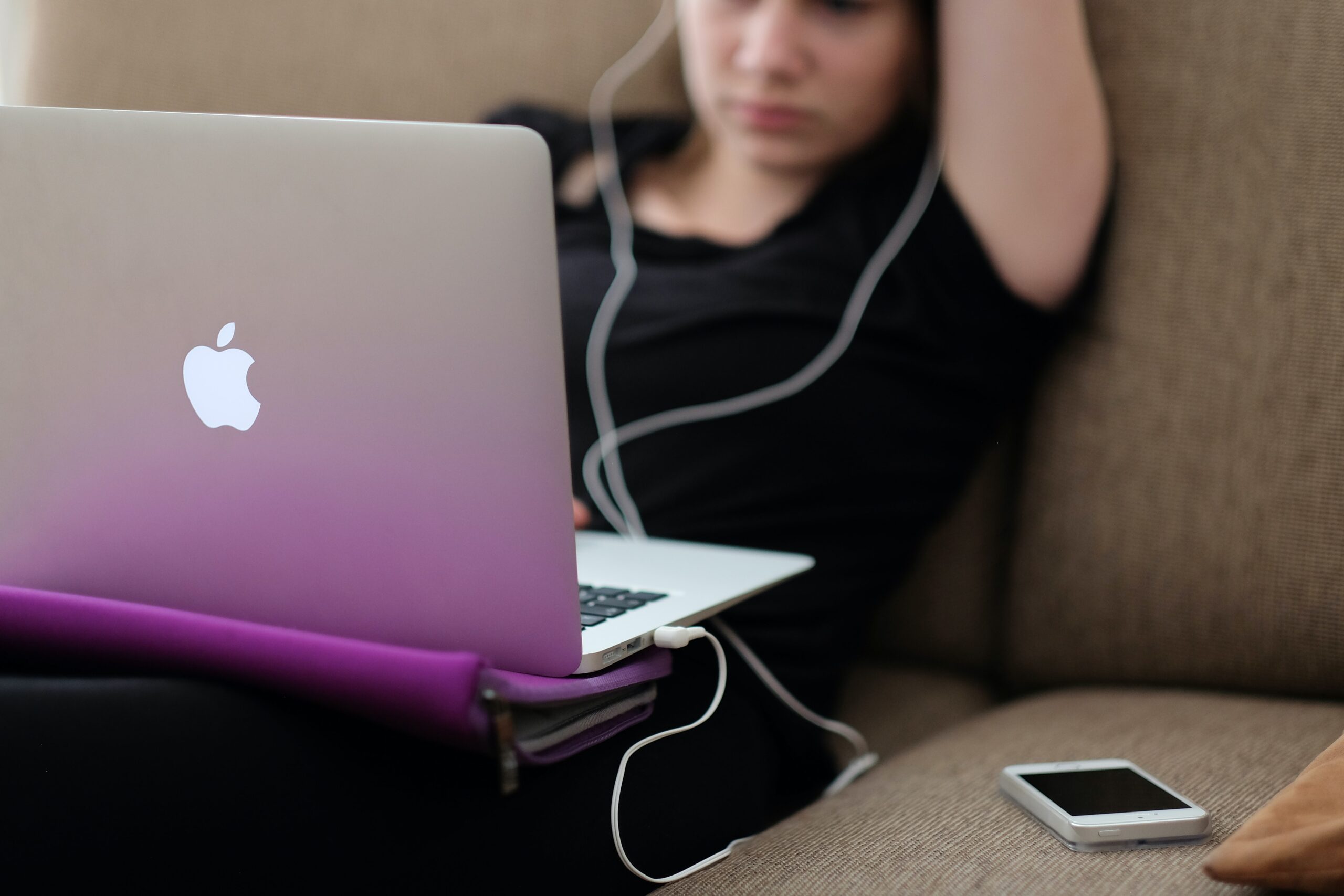
If your laptop or computer is running slowly it doesn’t take long before you lose your patience in dealing with the issue. You assume there is nothing you can do and start looking for a new machine.
However, help is at hand, at Gadget Rehab we can review your machine and offer you practical solutions. If you would like to try to solve the issue yourself first, then follow the steps below which we have put into three categories:
System
The first thing is to shut down your machine and restart it. If you always have your machine in sleep mode, it may be missing vital updates which can slow your machine. This could be the time, switch it off, switch it on again, may just work.
Next, check which programs open on start up. If you have too many set to automatically load on start up, they will add to the time it takes for your machine to be fully operational. You can check this in task manager or the program settings.
Make sure you have anti-virus software installed and run it to check for any viruses that may have found their way onto your machine.
This is also a good time to check all your drivers are up to date. To check, search for the latest versions online and make sure they are installed.
Hardware
If the hard drive on your computer is close to being at maximum capacity this will significantly slow the speed of your machine. Your machine always needs capacity to store and manage temporary files to ensure the smooth running of your programs and the efficient running of your machine. Aim to always have 20% capacity on your hard drive.
To free up space quickly:
- Empty the recycle bin
- Delete temporary files and unnecessary files
- Move large documents to external storage devices such as an external hard drive, USB or to the cloud
Some programs take up a large amount of space on your machine. Programs which are industry specific such as finance or design software can install add-ons which you are not using. Disable the features you do not use.
Software
If you have several tabs open at the same time or a lot of programs running, they are all competing for your machine’s resources. This can put too much pressure on the processing power and cause your computer to slow. To fix this:
- Close the program completely when you have finished using it
- Close tabs not in use
- Bookmark tabs so you can refer to them at another time
- Check installed programs are not running in the background or have encountered a problem
It is important to keep your software up to date, however, you should only install necessary software updates and disable those that update automatically.
If you are still experiencing issues with your laptop or computer running slowly then it is advisable to make an appointment with us at Gadget Rehab. One of our engineers will be able to look at your machine and find the root cause of the issue. Call us today on 01494534008.